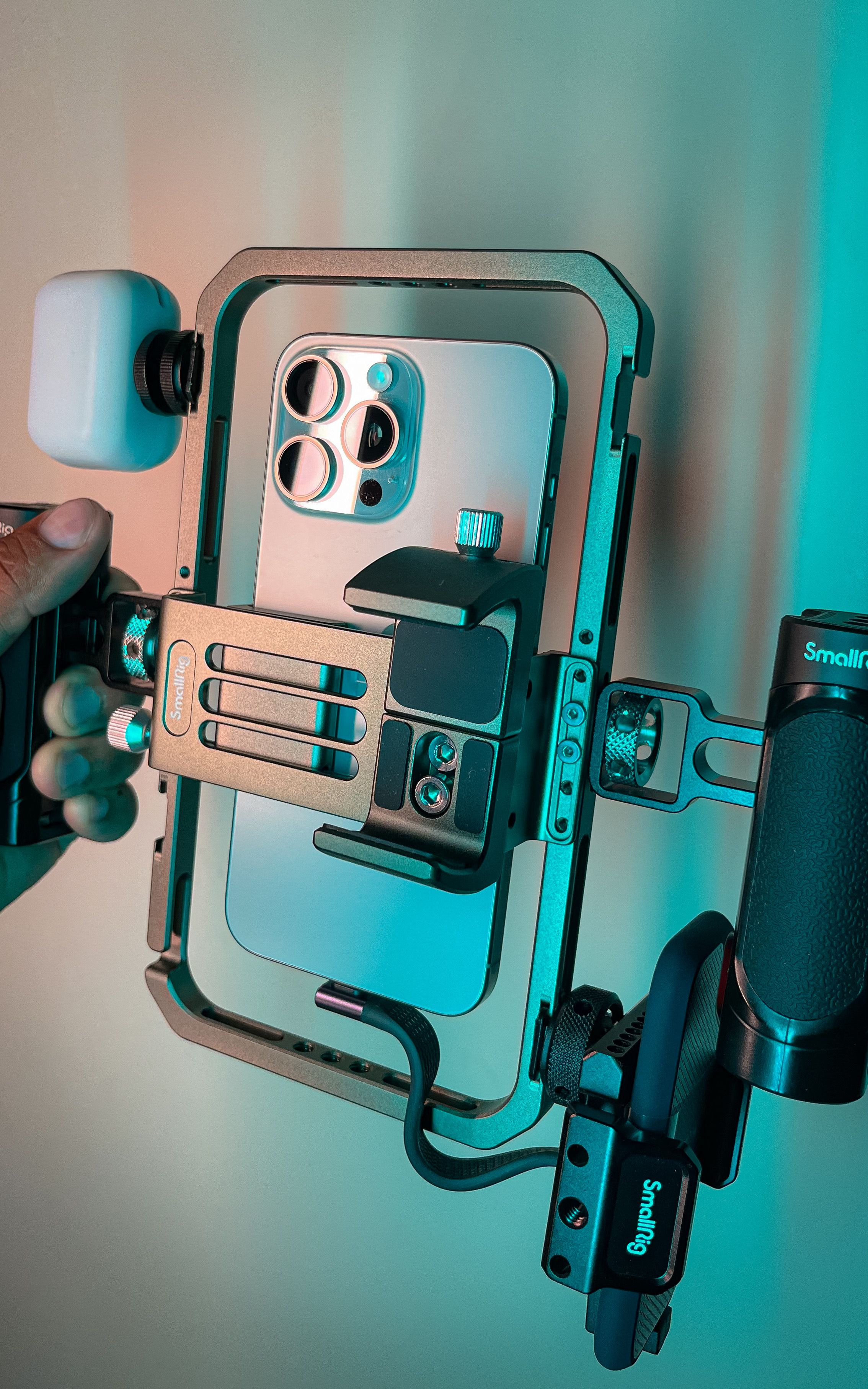
Apple’s recent Final Cut Camera update is worth revisiting for anyone building a mobile video kit. Version 2.4 arrived September 29, bringing a redesigned interface and support for variable aperture on iPhone 18 Pro. Apple says the free update makes controls such as shutter angle, ISO, and white balance easier to reach, while a recording indicator and a two-finger gesture help manage the viewfinder.
The company’s announcement also describes new exposure and focus aids, plus the ability to adjust Cinematic-style focus and depth effects in Final Cut Pro using supported footage. These are workflow features, not evidence that every clip will automatically look more professional. We have not tested image quality or production reliability.
Read the compatibility details first
Apple’s release notes put important boundaries around the feature list. Variable aperture from F1.48 to F4 requires iPhone 18 Pro. The RGB parade and histogram require iOS 27. Clean SDI output requires iPhone 17 Pro or later, iOS 27, and an HDMI-to-SDI converter; genlock frame-delay controls also require iPhone 17 Pro or later. The update additionally addresses saved settings, audio, and Live Multicam reconnection issues.
The same release notes advise users to verify system requirements and back up recorded videos before updating. That is particularly relevant when the phone is part of a working production setup rather than a casual camera. A software download alone does not supply the external equipment or compatible hardware behind every advertised capability.
The useful upgrade is repeatability
Our take: manual controls matter most when they help a creator reproduce a decision. A product demonstration, interview, or recurring video series benefits from consistent exposure and color between takes. More controls can support that goal, but they also create more settings to understand and check. Someone filming quick personal clips may reasonably prefer a simpler capture process.
For a small production team, the right next step is a rehearsal using the actual recording format, microphone, lighting, and editing destination. Record a short sample, move it through the intended edit, and confirm that the finished file behaves as expected. That process is more useful than testing each attractive feature in isolation and discovering a mismatch during a real shoot.
External monitoring and synchronization are also system-level decisions. Budget for the complete signal path, including adapters, power, mounting, and the display or recorder at the other end. A phone can be an appealing component in a compact kit, but the accessories and operating routine determine whether the kit remains compact and manageable.
Apple is continuing to make its camera app more useful for deliberate video work. The strongest reason to explore this update is a specific problem it might solve in an existing workflow, such as judging exposure or maintaining consistency between cameras. Start there, check compatibility, and evaluate a complete sample production before spending money around a feature list.